All 3D Model Converter Pages
Browse converter pages by source format and open the one that matches your file.
Support
Use this workflow page when the final target is Unity and the C4D scene needs a clean game-engine handoff.
Scope
C4D to Unity Workflow
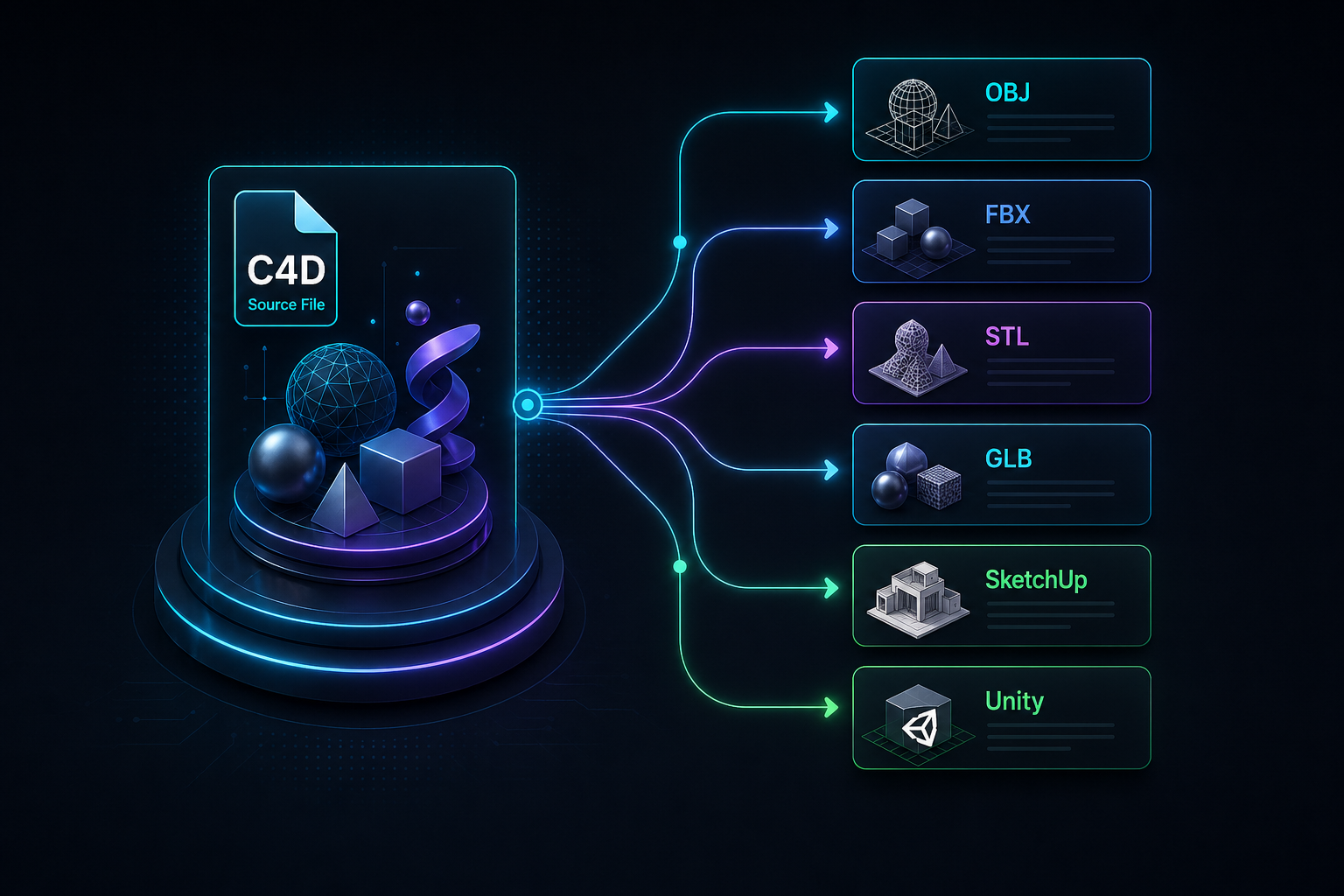
Use this page to prepare a C4D scene for Unity through a testable exchange format. It does not claim that every native .c4d scene can be imported cleanly as-is.
Focus points
Support navigation
Open another support page when you need more detail.
Browse converter pages by source format and open the one that matches your file.
Use this page when a model needs STL or OBJ prep before it goes into a slicer or print workflow.
Start here when the source is a generic 3D object file and the target is STL for print prep.
Use this guide when you have a .max file and need an OBJ mesh for another tool, archive, marketplace upload, or Unity prep.
Use this guide when a Maya model needs STL output for a slicer, print quote, or fabrication handoff.
Compare Cinema 4D pages and choose the output that fits your file.
Start here when the file extension is .c4d and the real question is which output or workflow should come next.
Use this page when a Cinema 4D scene needs to reach Blender, but you want the limits clear before you send the file anywhere.
Use this page when a Cinema 4D model needs to end up in SketchUp and you need a realistic handoff plan first.
Compare 3ds Max pages and choose the output that fits your file.
Start here if the file comes from native 3D software and you need to know what is possible next.
See how the file check works, from format selection to the final result.
Find short answers about browser limits, supported formats, and files that need help.
Contact support about a file, ask a legal question, or follow up on an existing request.
FAQ
Answers to the main follow-up questions.
FBX is the common first choice when hierarchy, animation, or rig tests matter. GLB can be useful for simpler realtime assets, but the final choice depends on the project and how materials should behave in Unity.
Unity workflows have changed over time and should not be treated as a guaranteed direct .c4d path. A controlled export to FBX or another exchange format is easier to audit and reproduce.
Check scale, pivot points, object hierarchy, texture paths, material slots, animation clips, collider needs, and whether the mesh is too dense for the target platform.
No exact match should be expected. Simple texture assignments may help, but Unity materials usually need cleanup, shader choices, and lighting checks inside the project.