Skip to content
Needs Support

Support

C4D File Converter

Start here when the file extension is .c4d and the real question is which output or workflow should come next.
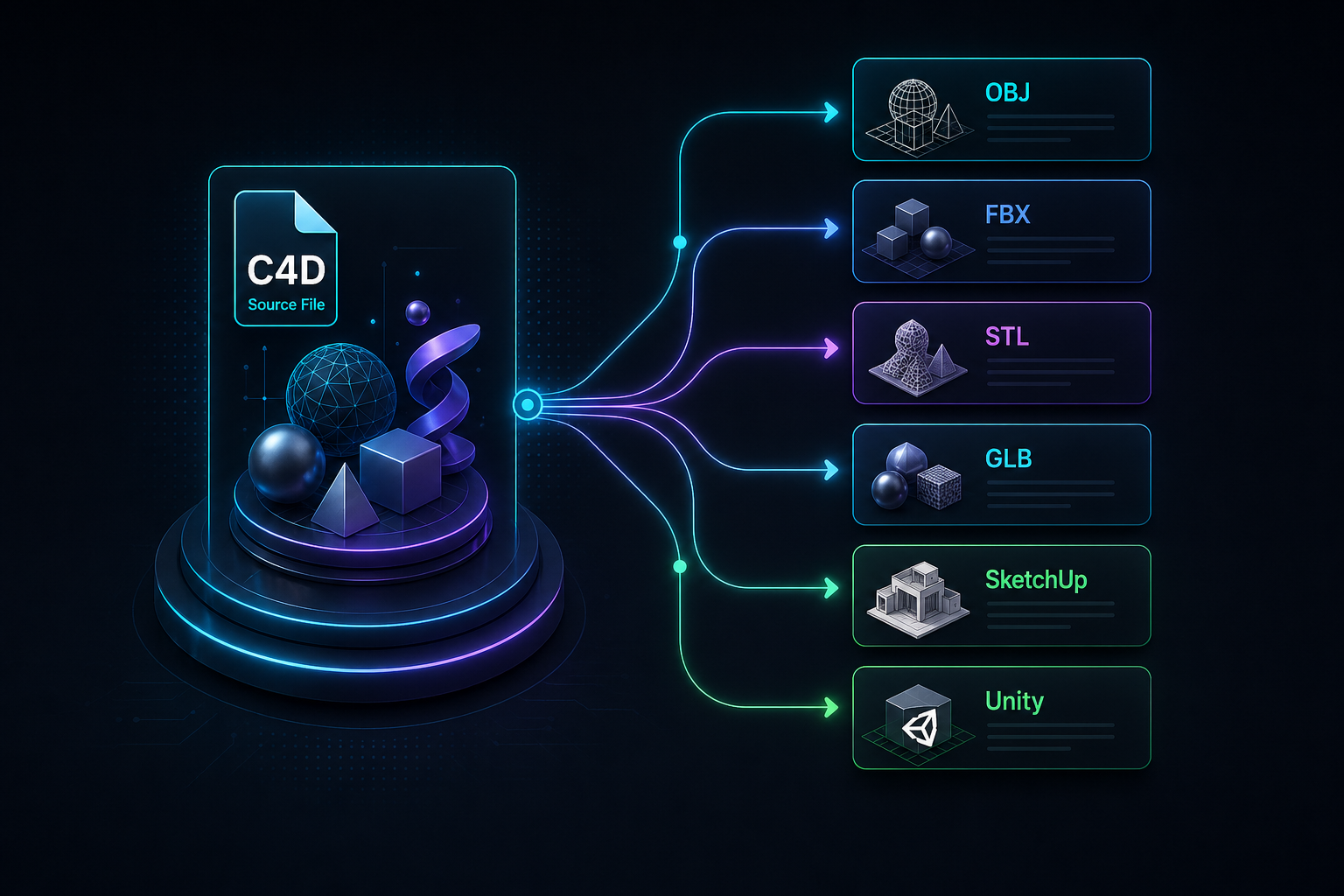
C4D file routed toward OBJ, FBX, STL, GLB, Blender, SketchUp, and Unity workflows

Scope

C4D File Converter

Use this hub to choose the C4D route first. Native .c4d scenes usually need export handling before the final format can be trusted.

Focus points

  • Groups the main C4D export targets in one place
  • Separates static mesh, print, web, AR, and engine handoff needs
  • Keeps the native-file limitation visible before anyone expects an instant browser conversion

Related pages

Start from these converter pages

Open one of these pages next.

Support navigation

More help

Open another support page when you need more detail.

All 3D Model Converter Pages

Browse converter pages by source format and open the one that matches your file.

Open page

3D Printer File Converter

Use this page when a model needs STL or OBJ prep before it goes into a slicer or print workflow.

Open page

Convert 3D Object File to STL

Start here when the source is a generic 3D object file and the target is STL for print prep.

Open page

How to Convert MAX File to OBJ

Use this guide when you have a .max file and need an OBJ mesh for another tool, archive, marketplace upload, or Unity prep.

Open page

How to Export STL from Maya

Use this guide when a Maya model needs STL output for a slicer, print quote, or fabrication handoff.

Open page

Cinema 4D File Converter

Compare Cinema 4D pages and choose the output that fits your file.

Open page

C4D to Blender Converter Online

Use this page when a Cinema 4D scene needs to reach Blender, but you want the limits clear before you send the file anywhere.

Open page

C4D to SketchUp Converter

Use this page when a Cinema 4D model needs to end up in SketchUp and you need a realistic handoff plan first.

Open page

C4D to Unity Workflow

Use this workflow page when the final target is Unity and the C4D scene needs a clean game-engine handoff.

Open page

MAX File Converter

Compare 3ds Max pages and choose the output that fits your file.

Open page

Proprietary 3D File Converter Online

Start here if the file comes from native 3D software and you need to know what is possible next.

Open page

How Browser File Checks Work

See how the file check works, from format selection to the final result.

Open page

3D Converter FAQ

Find short answers about browser limits, supported formats, and files that need help.

Open page

Contact Support

Contact support about a file, ask a legal question, or follow up on an existing request.

Open page

FAQ

Core support questions

Answers to the main follow-up questions.

What is a C4D file converter supposed to do? +

It should move a Cinema 4D scene toward a target that another tool can use. The right target depends on the job: OBJ for static mesh, FBX for broad handoff, STL for print checks, and GLB or glTF for web use.

Can a .c4d file be converted online instantly? +

Not honestly for every scene. Native Cinema 4D files can include shaders, generators, plugins, animation, and render settings that need export handling before a clean target file exists.

Which C4D output is best for Blender? +

FBX is a common first test when hierarchy or animation matters. OBJ is simpler for static meshes. GLB and glTF can work when the final target is a viewer or realtime pipeline.

Which C4D output is best for 3D printing? +

STL is the usual print handoff, but the model must still be checked for scale, wall thickness, open edges, and non-manifold geometry before slicing.

What should I send with a C4D support request? +

Send the .c4d file, linked textures, target format, target software, and notes about what must survive: separate objects, materials, scale, animation, or only the mesh.